SBC Live Calls Troubleshooting Guide
BETAWelcome to the Troubleshooting Guide for the SBC Live Calls dashboard. Use this guide to quickly diagnose and resolve common issues, with clear diagrams and actionable solutions.
System Architecture
Ensure there is an open communication path between the
Backendand theSBC|CCM. If a firewall exists, verify that all necessary ports are open.
Common Problems & Solutions
1. Cannot fetch SBC address from CCM
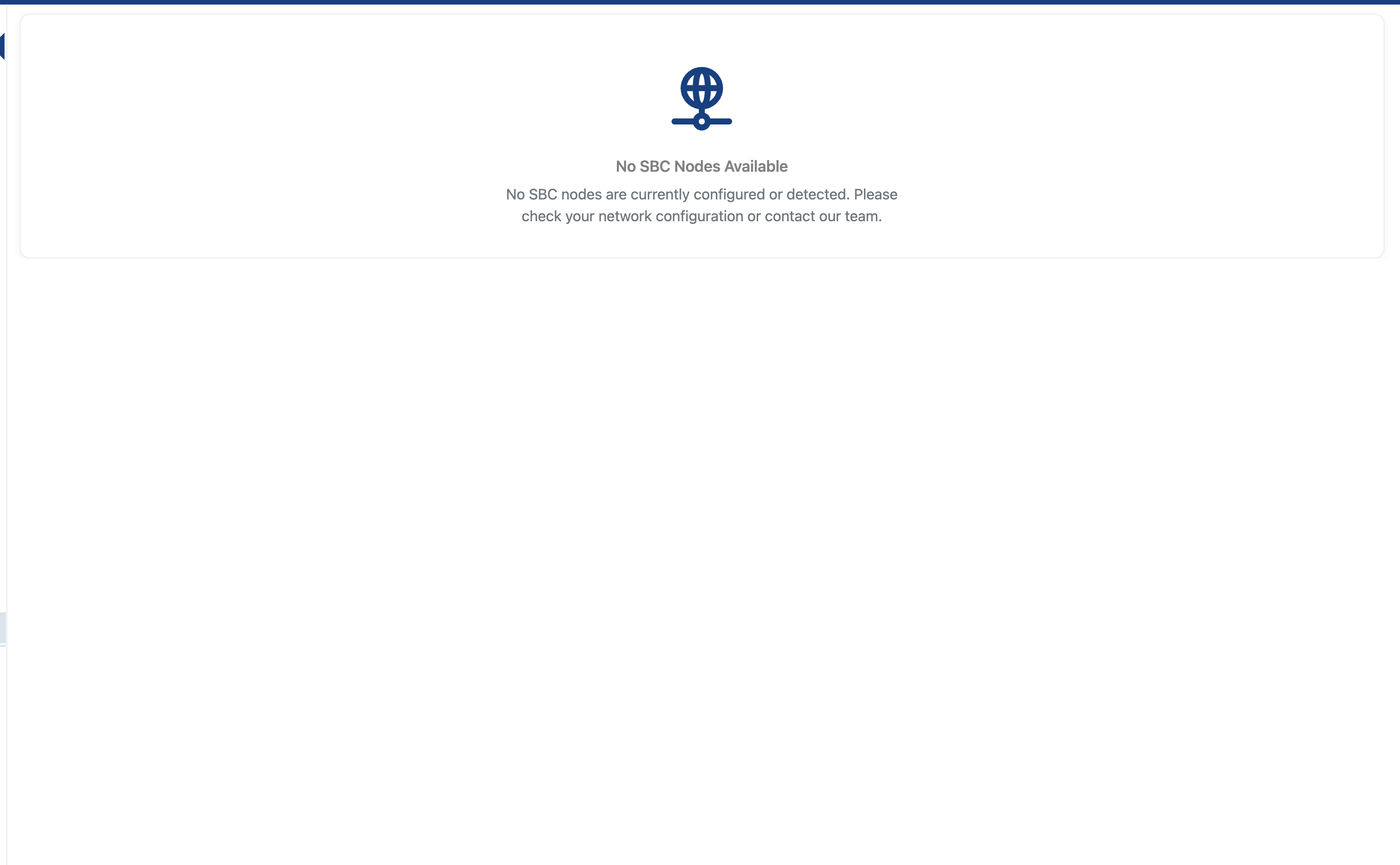
- Possible causes: CCM is down, network/firewall issue, wrong CCM endpoint configured in frontend.
- Symptom: "No SBC Nodes Available" error.
- How to fix:
- Check if the CCM service is running and accessible.
- Verify the frontend configuration for the correct CCM endpoint.
- Ensure there are no firewall rules blocking frontend-to-CCM communication.
2. Backend cannot reach SBC

- Possible causes: Firewall blocks traffic, SBC is down, wrong SBC address from CCM, network misconfiguration.
- Symptom: "Failed to load SBC node" error.
- How to fix:
- Check firewall rules between backend and SBC.
- Confirm the SBC service is running and reachable from the backend.
- Verify the SBC address provided by CCM is correct.
- Test network connectivity (e.g.,
ping,telnet,curl).
3. CCM returns empty SBC address
- Possible causes: No SBC registered in CCM, CCM misconfiguration, or database issue.
- Symptom: No data returned when trying to fetch SBC info.
- How to fix:
- Check CCM logs for errors.
- Ensure at least one SBC node is registered in CCM.
- Restart CCM if configuration changes were made.
4. SBC API returns 401 Unauthorized
- Possible causes: Missing or invalid SBC authentication token.
- Symptom: API requests to SBC fail with 401 Unauthorized errors.
- How to fix:
-
Generate a token from the CCM at
https://<ccm_URL>:<ccm_port>/ccm/tokens.php -
Configure via UI: Navigate to Settings > Access > SBC Config and enter the token
-
Configure via environment variable:
export SBC_AUTH_TOKEN="your-generated-token" -
Restart the Monitor server to apply the changes
-
Verify the token is correctly set by checking server logs
-
5. CCM API returns 401 Unauthorized
- Possible causes: Missing or invalid CCM authentication token.
- Symptom: API requests to CCM fail with 401 Unauthorized errors.
- How to fix:
-
Generate a token from the CCM web interface or tokens.php endpoint
-
Configure via UI: Navigate to Settings > Access > Monitor Config and enter the token
-
Configure via environment variable:
export CCM_AUTH_TOKEN="your-generated-token" -
Alternatively, ensure the
ccmAuthcookie is properly set in requests -
Restart the Monitor server to apply the changes
-
Verify the token is correctly set by checking server logs
-
5. CCM API returns 401 Unauthorized on backend requests
- Possible causes: Missing or invalid CCM authentication token.
- Symptom: API requests to CCM fail with 401 Unauthorized errors.
- How to fix:
-
Generate a token from the CCM web interface or tokens.php endpoint
-
Set the
CCM_AUTH_TOKENenvironment variable in your Monitor server:export CCM_AUTH_TOKEN="your-generated-token" -
Alternatively, ensure the
ccmAuthcookie is properly set in requests -
Restart the Monitor server to apply the changes
-
Additional Tips
- Always check logs for detailed error messages.
- Use network tools (e.g.,
ping,curl) to verify connectivity between components. - Restart services if necessary after configuration changes.